
Tempo To MS
A simple BPM reader and converter: milliseconds, and the closest Fibonacci value.
AAX, AU, VST3 · 64-bit only · macOS and Windows
Sold and delivered through Audioloom
Times that are in tempo, without doing the maths
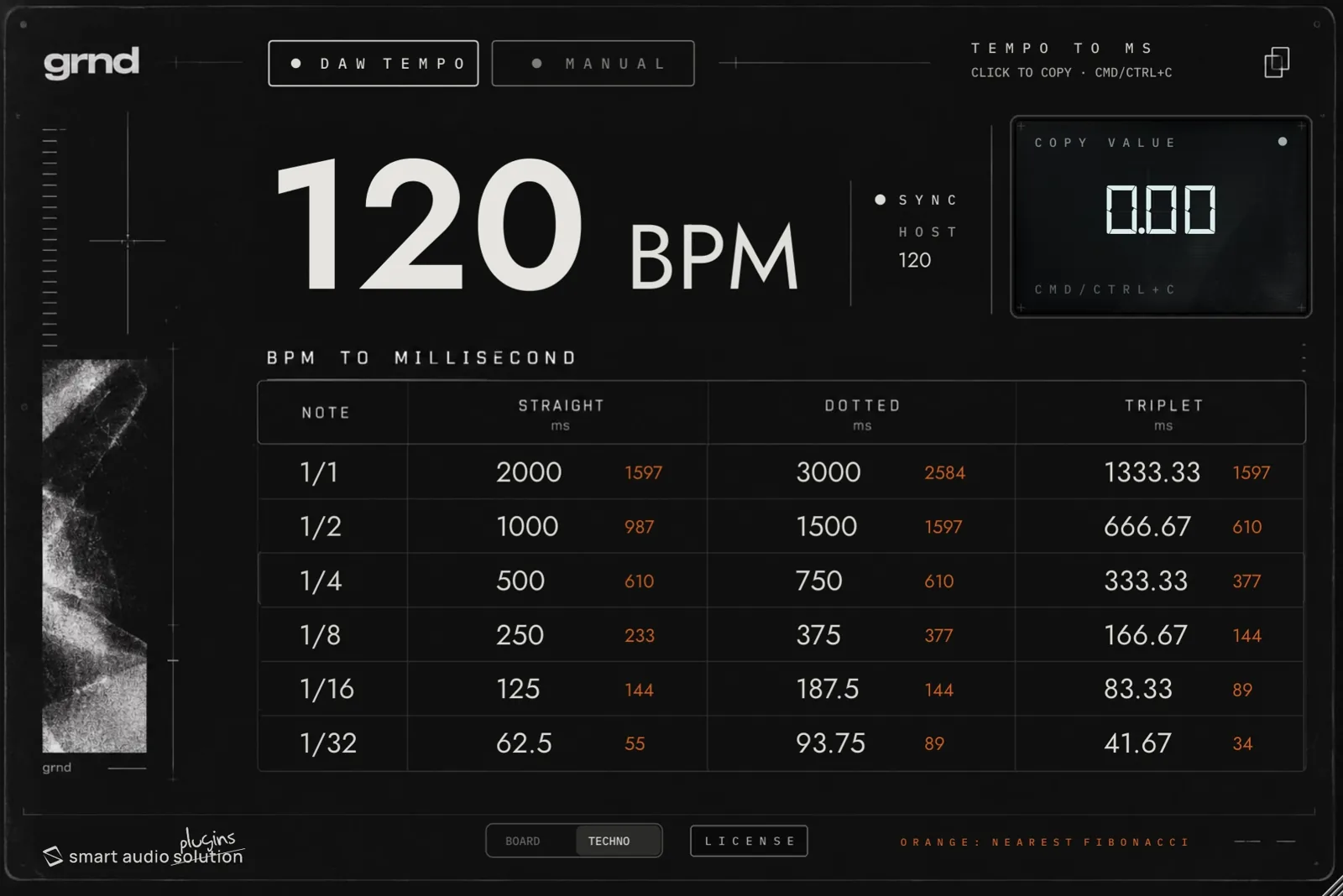
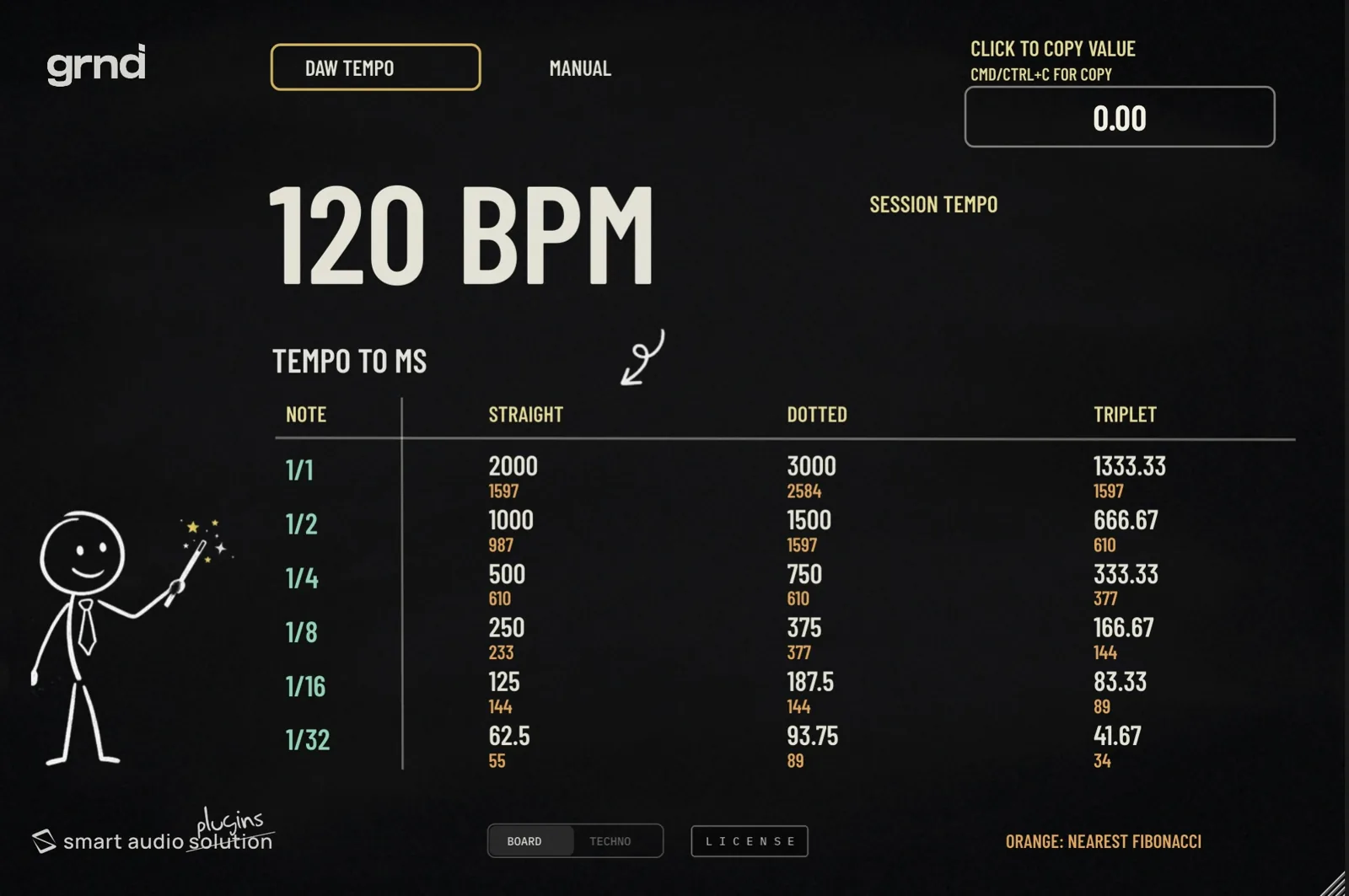
A simple utility idea: apply the equivalent BPM values, in milliseconds, to your session. With this one you can set the release and attack times of your compressors, or your ADSR settings, so they are always in time and sound musical. And for the more “esoteric” among you, there is an option based on the Fibonacci sequence that gives the values a musical touch of their own. It follows the DAW tempo, or you unlock it and convert any BPM you like — plus a double GUI, to have a bit more fun.
What you get on screen
- DAW Tempo — follows the host tempo, and shows it next to the reading
- Manual — type any BPM you want and convert it, with no session running
- The table — from 1/1 to 1/32, in milliseconds: straight, dotted and triplet
- In orange — the nearest Fibonacci number to each value
- Click a value to copy it — or Cmd / Ctrl + C, then paste it into your plug-in
- Two panels — Board and Techno, same tool, pick the one you like looking at
DAW support
AAX, AU and VST3 — 64-bit only.
- Ableton Live 11+ — Mac & PC, AU / VST3
- Bitwig 4+ — Mac & PC, AU / VST3
- Cubase 13+ — Mac & PC, VST3
- Digital Performer 11+ — Mac & PC, AU / VST3
- FL Studio 23+ — Mac & PC, VST3
- GarageBand 10+ — AU
- Logic Pro 10+ — AU
- Pro Tools 12+ — Mac & PC, AAX
- Studio One 5+ — AU / VST3
- Reaper 6+ — Mac & PC, VST3
- Cakewalk by BandLab — PC, VST3
AAX is a trademark and software of Avid Technology. Audio Units is a trademark and software of Apple Inc. VST3 is a trademark and software of Steinberg Media Technologies GmbH.
System requirements
- macOS 10.15 or higher — Intel and Apple Silicon native
- Windows 10
- RAM 4 GB minimum, 16 GB recommended
- Disk 200 MB free on the system drive
- Formats AAX, AU, VST3 — 64-bit only